


Chapter 01
What HubSpot actually is
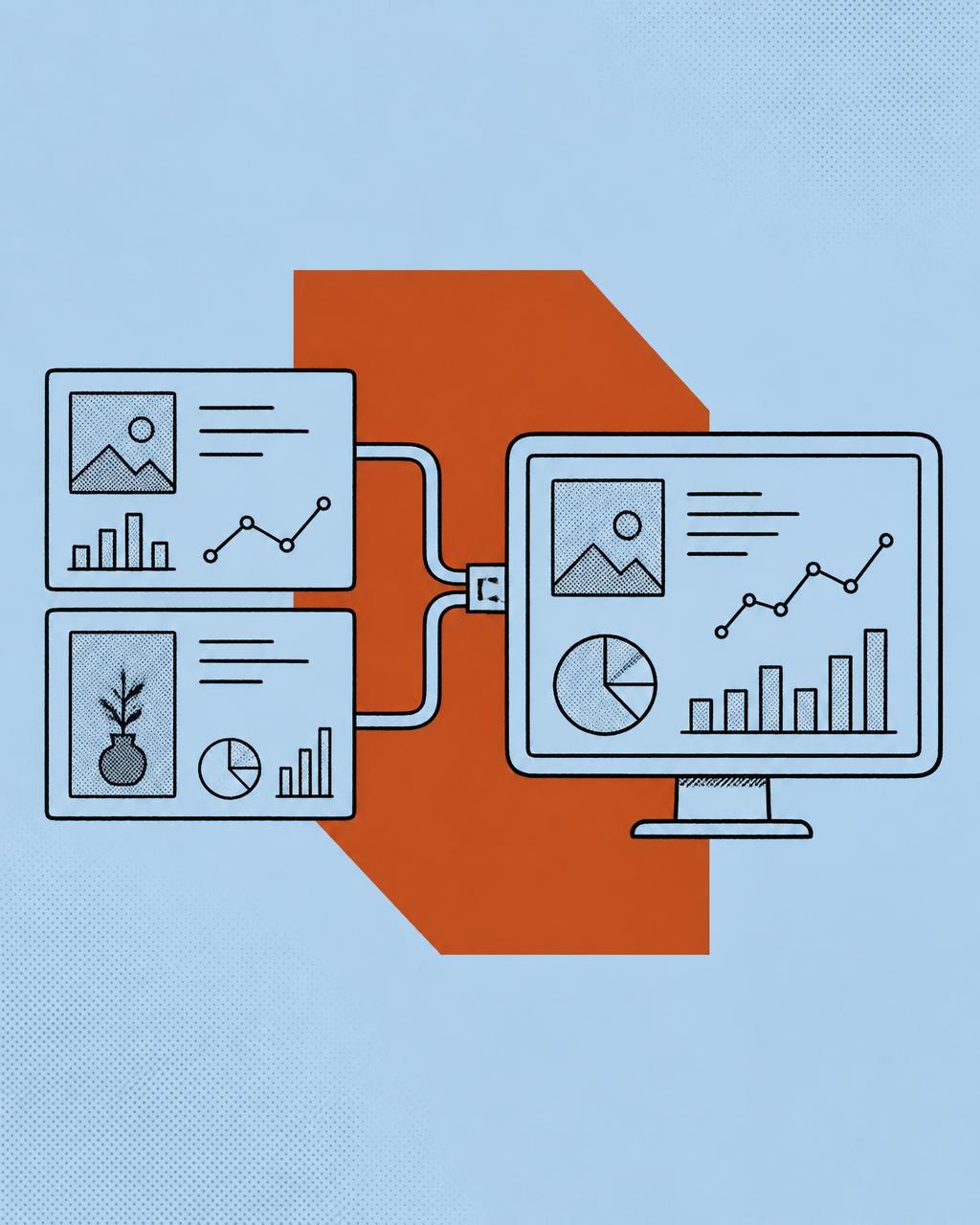
HubSpot is often described as a CRM, which undersells it and confuses buying decisions. It is a single database of contacts, companies, deals and tickets, wrapped in marketing, sales and service tooling that all reads and writes to the same records. The value is not any individual feature — it is that one contact record carries their ad click, their form fill, their email engagement, their sales conversations, their deal and their support history.
That architecture is why HubSpot suits businesses whose growth depends on paid media plus a human sales process. It is also why a poorly designed portal is so damaging: every team inherits the same bad data.
Chapter 02
Choosing hubs and tiers without overspending
HubSpot sells Marketing, Sales, Service, Content and Operations Hubs at Starter, Professional and Enterprise tiers. Most Australian service businesses need less than a salesperson will suggest and more than the Starter bundle allows.
- Sales Hub Professional is the practical floor for any team that needs sequences, multiple pipelines and workflow automation.
- Marketing Hub Professional is required for lead scoring, smart content, campaign reporting and multi-touch attribution.
- Operations Hub Starter or Professional earns its keep the moment you need data sync, programmable automation or field formatting at scale.
- Enterprise is justified by custom objects, advanced permissions and complex reporting — rarely by feature envy.
Buy for the next twelve months, not the next five years. Contract flexibility matters more than a discount on capacity you will not use.
Chapter 03
Designing the data model
Start with a map of the commercial motion: sources of enquiry, who touches them, the stages between enquiry and revenue, and what a customer is worth. Every object, property and automation should trace back to a line on that map.
- 01Decide whether the buying unit is a contact or a company — this determines where deals and lifetime value roll up.
- 02Define the properties needed for qualification, segmentation and reporting, and delete everything else.
- 03Standardise formats up front: E.164 phone numbers, consistent state and suburb fields, controlled dropdowns instead of free text.
- 04Decide the single source of truth for each field when other systems are integrated.
Unused properties are not free. They are friction, and friction is what kills CRM adoption.
Chapter 04
Lifecycle stages and pipelines that hold up
Lifecycle stages describe the relationship; deal stages describe the transaction. Define both by exit criteria — an observable event that must have occurred before the record moves forward.
- Marketing Qualified Lead: crossed a defined score or took a high-intent action.
- Sales Qualified Lead: had a conversation and met explicit budget, need and timing criteria.
- Opportunity: an agreed next step, a value and a date.
- Customer: closed-won deal, set automatically rather than manually.
Automate every transition you can. Stages that rely on a rep remembering to update them will be wrong by Friday, and a forecast built on them is fiction.
Chapter 05
Automation that removes work
The best automation deletes admin rather than adding notifications. The highest-value workflows in almost every portal are the same handful.
- 01Lead routing and instant owner assignment on form submission.
- 02Speed-to-lead task creation with escalation if no attempt is logged.
- 03Data hygiene: formatting names, phones, states and job titles on create and update.
- 04Lifecycle progression based on activity and deal events.
- 05Nurture tracks segmented by service interest and readiness.
- 06Re-engagement of leads that went quiet ninety days ago.
Chapter 06
Making sales teams actually use it
Adoption fails when the CRM is slower than the alternative. Design for the rep's day: minimal required fields, templates and snippets for the emails they send twenty times a week, sequences for multi-step follow-up, meeting links that remove scheduling ping-pong, and mobile notifications that arrive where they already look.
Then measure leading indicators — speed to lead, attempts per lead, meetings booked — rather than only lagging revenue. Coaching on activity is possible; coaching on last quarter's revenue is not.
Chapter 07
Integrating the rest of the stack
Integrate what carries revenue signal and refuse the rest. For our clients that usually means telephony, ad platforms, booking or quoting tools, accounting and one or two industry systems.
- Telephony such as Aircall for call logging, dispositions and recordings on the timeline.
- Google Ads and Meta for audience sync and offline conversion upload.
- Website forms and chat, ideally native HubSpot forms for clean attribution.
- Accounting for invoiced revenue where deal amount and actual revenue differ.
Chapter 08
Reporting and attribution
Build one leadership dashboard that answers four questions without an export: what did we spend, what did it produce, where is pipeline stuck, and what is the forecast. Underneath it, use multi-touch attribution to settle channel arguments with data.
Report cost per qualified lead and cost per closed-won by source. Impressions, clicks and raw MQL counts belong in diagnostics, not in the board pack.
Chapter 09
Closing the loop with paid media
This is the step that converts a tidy CRM into commercial advantage. Sync qualified-lead and closed-won events back to Google Ads and Meta as offline conversions, with values attached. Bidding then optimises toward revenue rather than raw form volume.
Add CRM-driven audiences: suppress existing customers and active opportunities from prospecting, build lookalikes from your highest lifetime value segment, and run separate creative for high-value niches.
Chapter 10
A realistic rollout plan
- 01Weeks 1–2: revenue mapping, data model design, migration plan and data cleanse.
- 02Weeks 3–4: pipelines, properties, forms, routing and core automation.
- 03Weeks 5–6: sequences, templates, dashboards and team enablement.
- 04Weeks 7–8: integrations, attribution validation and offline conversion sync.
- 05Ongoing: fortnightly hygiene, monthly commercial review, quarterly architecture review.
The portal is never finished. Businesses change, and a CRM that is not maintained decays into an expensive address book within a year.